


Key Takeaways
- How to sign back in to CoinPoker from browser, desktop or mobile;
- Setting up a four-digit PIN for faster entry on trusted devices;
- What to do if you’ve forgotten your password;
- Fixing email confirmation issues and other login problems;
- How to reach support if access can’t be restored on your own.
Returning to an Existing CoinPoker Account from Any Supported Device
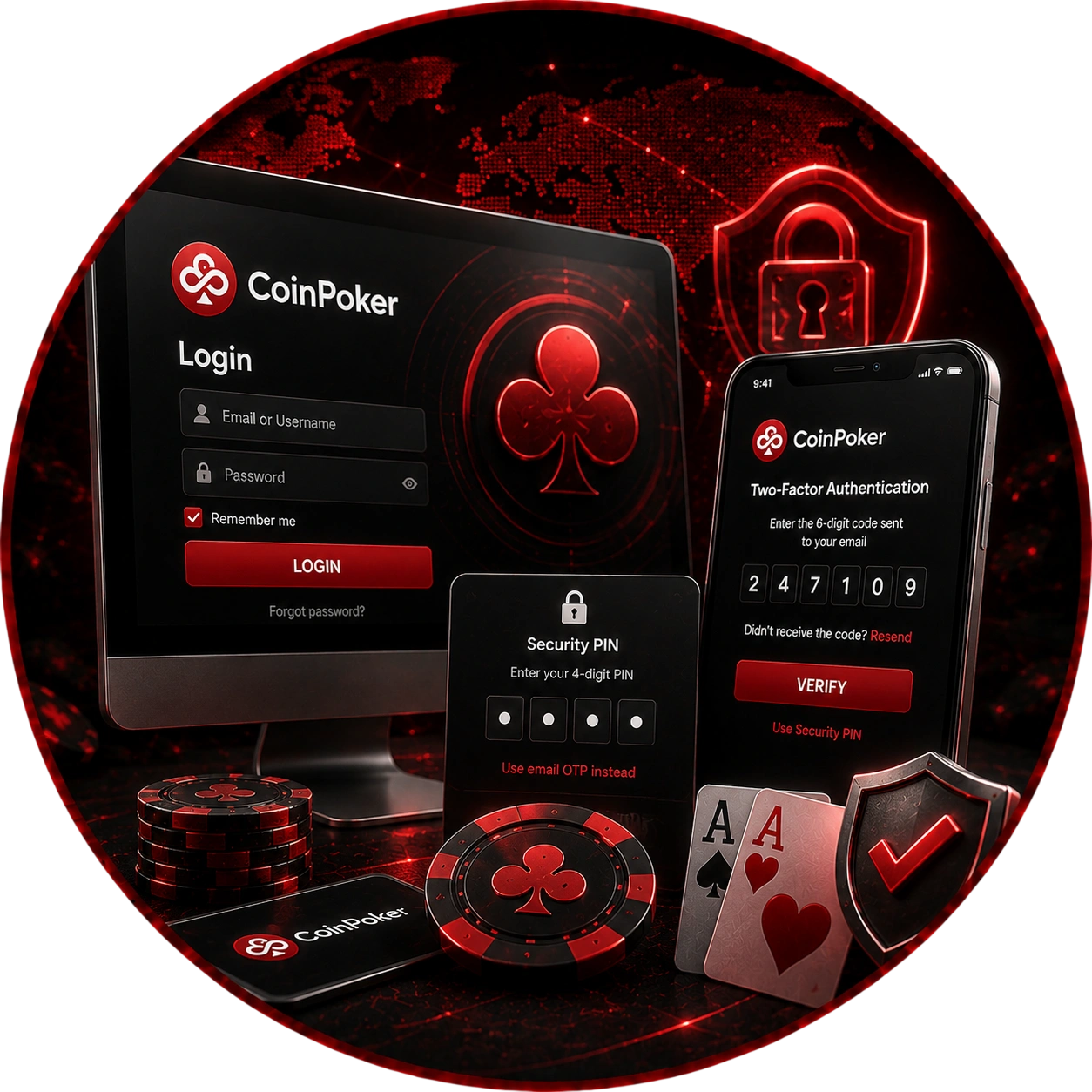
For existing users, CoinPoker Sign In uses the same profile details on browser, desktop, and through CoinPoker mobile access. Changing devices does not require another account. Enter the credentials already attached to your profile.
Browser access does not require the desktop client. Windows and macOS users can also enter through the installed application. Mobile access uses the same existing account.
Account Details, Email Verification and New-Device Confirmation
A newly used device can trigger an extra email check. The system sends a six-digit OTP to the registered address. Enter that code in the client to confirm access.
Mailbox access therefore matters during device confirmation. Check inbox and spam folders when the message is missing. After verification, the device can continue with the authorized profile.
Faster Account Entry with a Four-Digit Security PIN
After first entry, you can configure a four-digit Security PIN. It reduces repeated use of the full password on trusted devices. The PIN remains attached to the verified profile.
Once enabled, it becomes the regular entry method on trusted devices. Account Settings contains its management controls. The full password still remains part of account security.
OTP Setup, Trusted Devices and Failed PIN Attempts
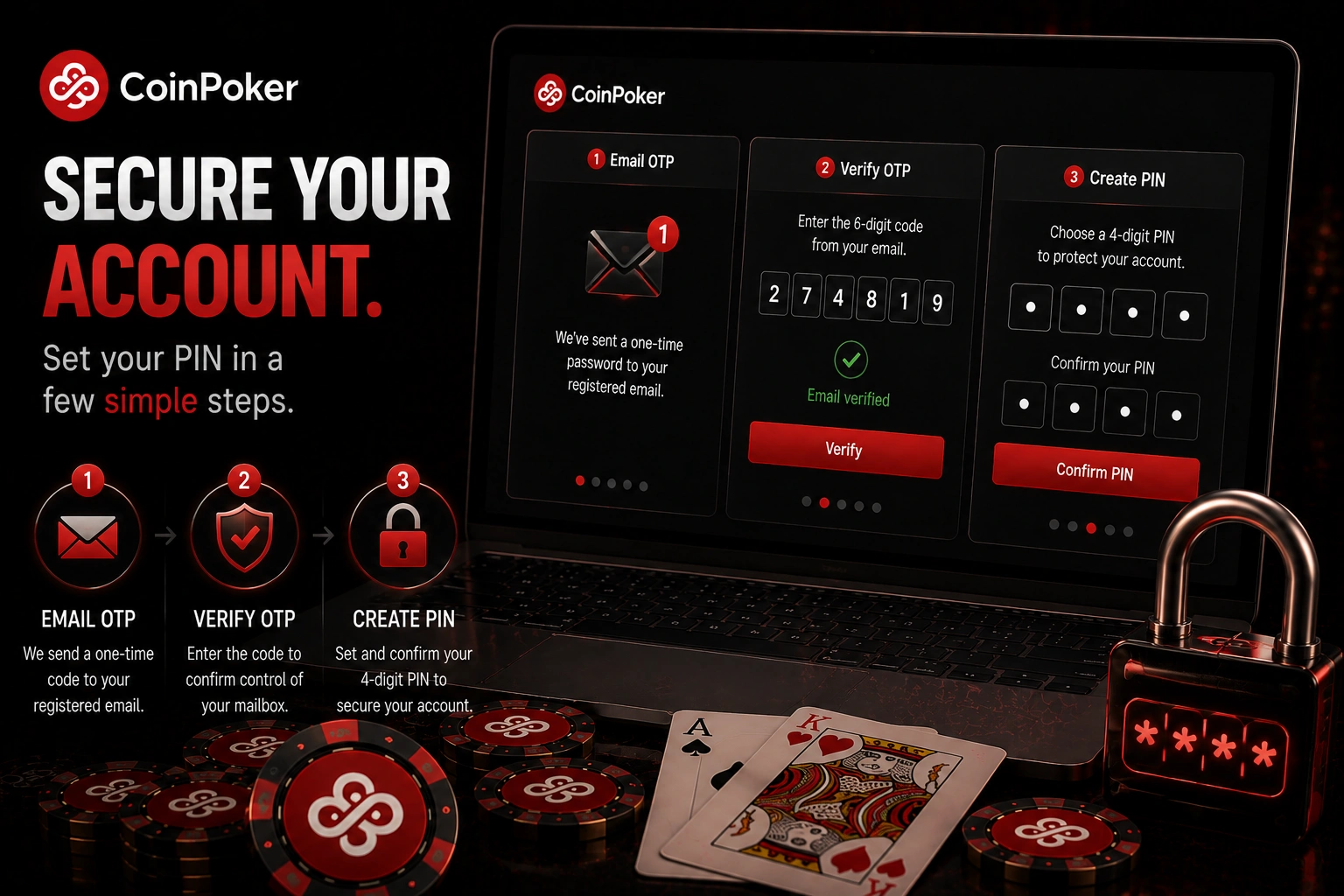
PIN creation begins with an OTP sent to the registered email. Entering it confirms control of the account mailbox. The client then confirms the four-digit PIN.
Five incorrect PIN attempts trigger a reset prompt. A fresh OTP is sent to the registered email. You can enable, disable, or reset the PIN in account settings.
Restoring Access When the Account Password Is Forgotten
If you’ve forgotten your password, recovering CoinPoker access starts with Forgot Password on the authorization screen — available on both computer and mobile. The function is available on computers and mobile devices. It uses the registered email as the recovery channel.
Complete the reset inside the official client. The process replaces the old password rather than displaying it. Successful recovery restores access with new credentials.
Forgot Password, Six-Digit OTP and New Credentials
The recovery flow combines email confirmation with a replacement password. Follow the client sequence in order. Every stage depends on the registered mailbox.
- Enter registered email: submit the address linked to the account.
- Retrieve the OTP: find the six-digit code sent by email.
- Verify the request: enter the code in the client.
- Create new credentials: type and confirm a new password.
- Complete recovery: continue after both password fields match.
A successful change signs the account out on other devices. Those sessions cannot use the previous password. Enter the new password when returning there.
Solving Email Confirmation Problems Before Entering the Poker Lobby
An incorrect email can prevent profile confirmation. The registered address must match the confirmed account address exactly. Any mismatch can stop the verification stage.
CoinPoker also treats letter capitalization as part of that match. One incorrectly capitalized character can cause the problem. If self-correction is unavailable, support must handle the case.
Incorrect Address, Exact Email Match and Support Assistance
Start by comparing the entered email with the registered address. Check every character and its capitalization. A similar but different address will not confirm the profile.
If correction is unavailable, use Contact Us or official email support. The form requests contact details, a support topic, and a problem description. Provide enough account context for support to identify the affected profile.
CoinPoker Account Security Controls Available After Authorization
Once you’re signed in to CoinPoker, profile security controls — password and PIN settings – become available from the same account area. Password and four-digit PIN settings remain inside the existing account. Neither change creates a new profile.
Open the username menu, then My Profile and Account Security. This area lets you change the password or manage the PIN. Other protected changes require support assistance.
Password Changes, PIN Management and Protected Profile Details
Some protected details remain outside self-service editing. Registered email changes and voluntary account restrictions go through support. Email changes can require account and activity information.
| Information support may request | What to provide |
| profile identity | nickname |
| email record | original and new email addresses |
| wallet context | current USDT balance |
| access context | country and devices or platforms used |
| funding record | last deposit amount and date |
| request context | reason for changing the email address |
These checks support sensitive profile changes. Required security information must match the account. Supply accurate details from your own profile and recent activity.
Troubleshooting an App That Keeps Loading After Account Entry
Persistent loading can involve permissions, security software, or an outdated client. Start with the device environment instead of repeatedly entering credentials. Remove local software blocks before reopening the account.
On macOS, grant Full Disk Access under Privacy and Security. A firewall or antivirus program may interrupt an update. If automatic updating fails, manually install the latest official version.
Permissions, Updates, Firewall Checks and Diagnostic Files
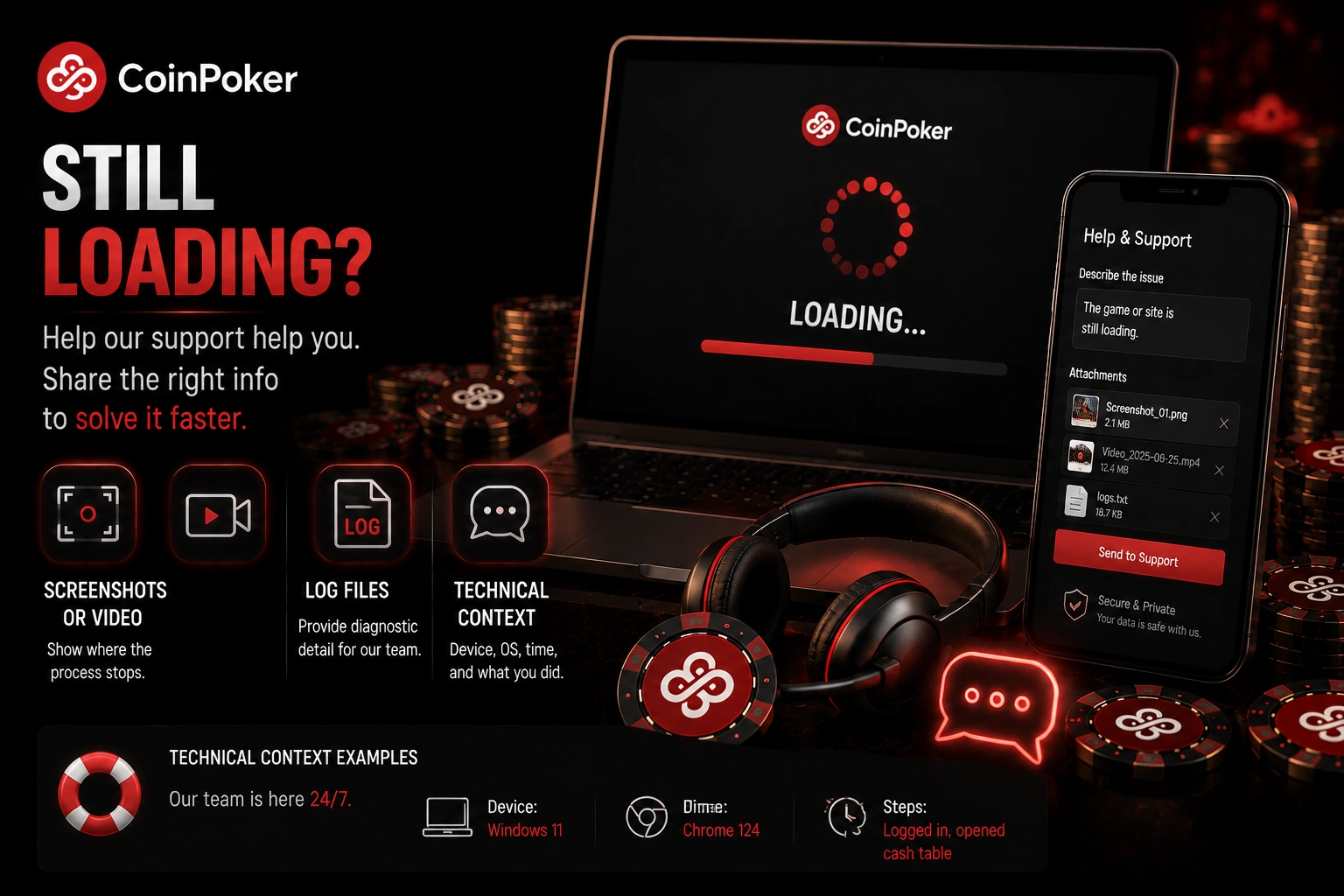
If loading continues, support needs technical context. Screenshots or video can show where the process stops. Log files can add diagnostic detail.
Include these items in a technical request:
- device type;
- operating system version;
- country of residence;
- VPN status;
- screenshots or video of the failure;
- compressed application log files.
The desktop folder contains update.log and numbered log files. Windows can create a ZIP archive, while macOS provides a Compress command. Attach diagnostics only through official support channels.
CoinPoker Support When Account Access Cannot Be Restored
When self-service recovery fails, official support handles account access cases. Describe where access stops and which recovery action failed. Clear context helps route the request correctly.
Avoid third-party account recovery services. Never share credentials with outsiders offering to bypass normal procedures. Support may request account information before changing protected details.
Password, Security PIN and Technical Access Assistance
A useful support message identifies the issue without exposing your password. State whether it concerns password recovery, email confirmation, PIN reset, or loading. Add device context when the failure is technical.
For technical issues, include the same device details covered above. Keep the request focused on the observed error.